With older DJI models, we are able to fully disable Altitude Limit enforcement without needing to use an unlock certificate. This hack is always active and can only be removed by flashing stock firmware.
Using this Altitude Limit hack, you can remove Altitude Limits from the older range of DJI drones.
So, how do you use this hack, well, this guide will show you!
¶ Check Compatibility
First, head on over to our Available Hacks page and check that we support your model and firmware version. For a more detailed guide on how to use this system, please read this tutorial
Please install the following driver: https://cloud.drone-hacks.com/drone-hacks/files/dh_driver_installer-1.1.exe
Please also make sure you have a DJI assistant 2 for consumer drones installed but do not have it running at the same time when you try to run our software.
¶ Connect The Drone
Firstly, open up Drone-Hacks and wait for the black status window to show “Searching For Device”
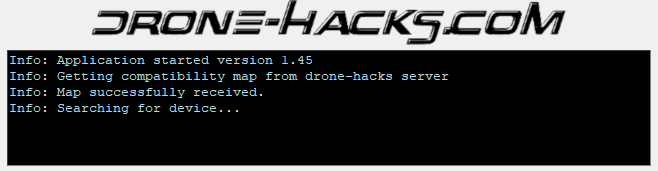
Next, connect your drone to your PC using the USB cable. Within a few moments it should then be detected by DH. You can see here we are hacking a Mavic Pro.
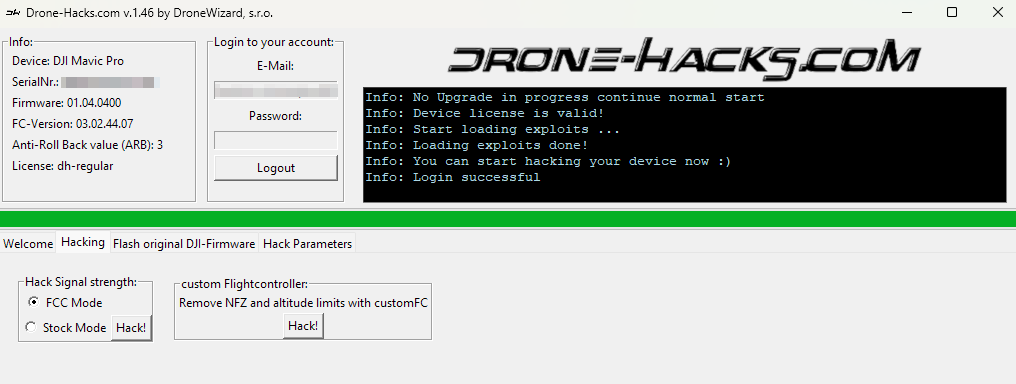
Once the drone is connected, you will need to ensure that you are logged in AND that you have a license already assigned, or one available to assign.
If you connect an unlicensed drone, but have an available license in your account, Drone-Hacks will prompt you to assign this license. With this all done, you can press on the "Hacking" tab and see what hacks we have.
¶ Apply the Altitude Hack
And already, we're almost done!
Simply click the “Hack!" button underneath the “Remove Altitude Limit and NFZ with CustomFC” and you will see a status bar in green start moving left and right
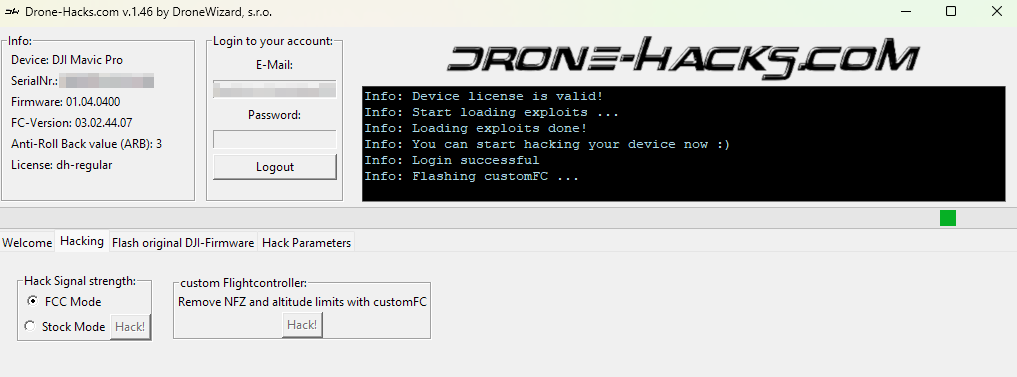
At some stage, Drone-Hacks will switch to the Flashing tab, this is because we are now uploading our Custom Flight Controller (CustomFC) to your drone to disable Altitude Limits.
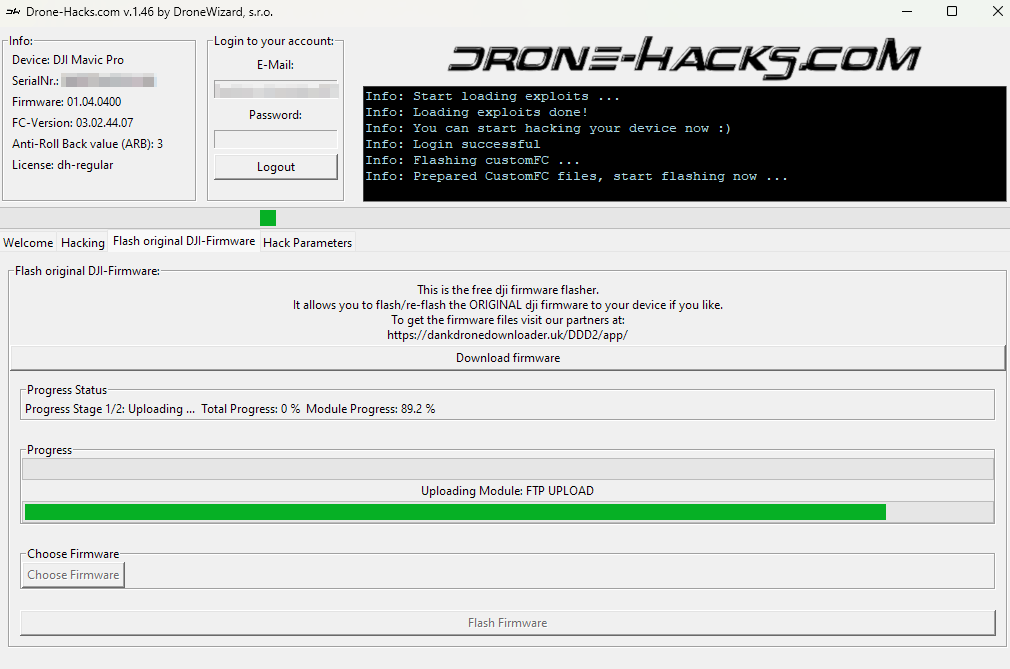
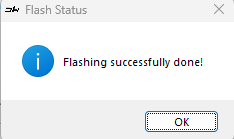
Wait for this process to finish, it should take just a few moments, and you will then see a Success dialogue & that's it, your hack is now done!
¶ Are My Hacks Installed?
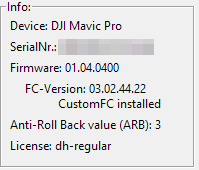
To verify if the hacks are installed you can simply check the top left corner of the Drone-Hacks window. If hacks are installed you will now see “CustomFC Installed” underneath your firmware version. This is confirmation that the hack is installed and active!
However, if you wanted to check in the real world, the easiest way is to do one of the following things
- In DJI Go4, set the maximum height limit of the drone to a very low value such as 20 meters. If you drone fly's higher than this, then the hacks are applied.
PLEASE NOTE: We do not modify the DJI GO/Fly app in any way, so you will still see a maximum limit for height within the app, NFZ areas and receive warnings on screen, but the modification will ignore them.