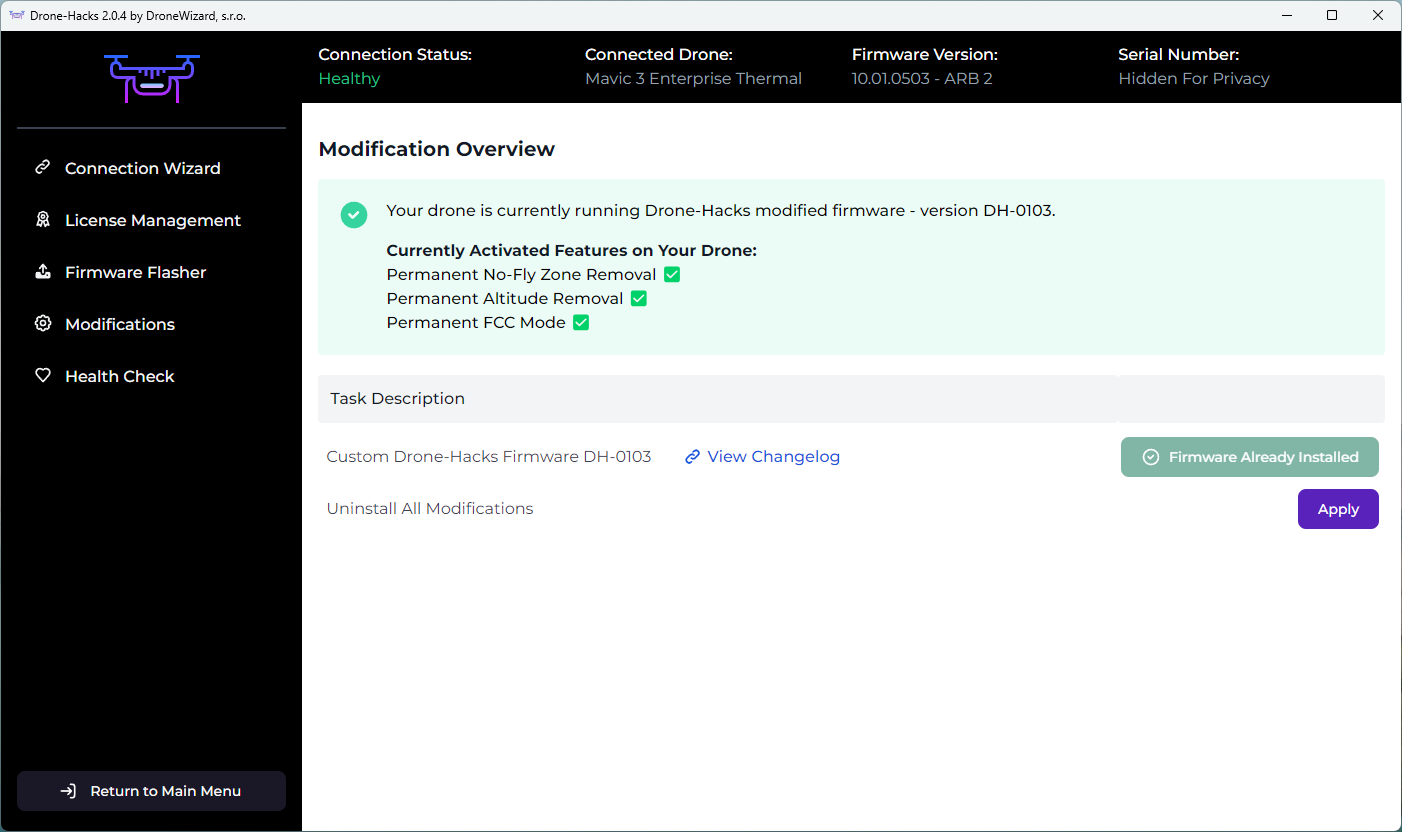
If the yellow warning boxes in Drone-Hacks v2 are ignored you can place your drone into a state known as softlocked, this is a programming term referring to a situation where progress is halted due to specific conditions and can occur when all available options lead to a loop or impasse.
In Drone-Hacks v2, this is explained clearly. When the app is first opened, you see this warning message

Here, you are very clearly told NOT to flash firmware using any external program as this can very quickly lead to a softlocked drone or worse!
¶ I Am Softlocked, What Can i Do?
Follow these steps exactly, do not skip anything or you risk further damage to your drone
- Connect your drone to DH V2, If you see the “Undo All Changes (Restore Mixed Firmware State!)” you drone is currently softlocked.
- Press the button to RESTORE firmware, do this even if Drone-Hacks v2 shows that that hacks are installed. This will restore your firmware to stock DJI Firmware,
- Next, you must use the DH Firmware flasher and flash the EXACT SAME FIRMWARE you are on now, to ensure your firmware is completely restored.
- After the Firmware flash is completed, restart your drone and go fly and test it. Make sure no errors#
- THEN and only THEN connect it back up to DH and go to the modifications tab and follow what the software tells you to do to reapply the hacks.
¶ How To Avoid This Situation
It is very simple. Follow the above rule you are shown when you first login to the app. These additional points may also help.
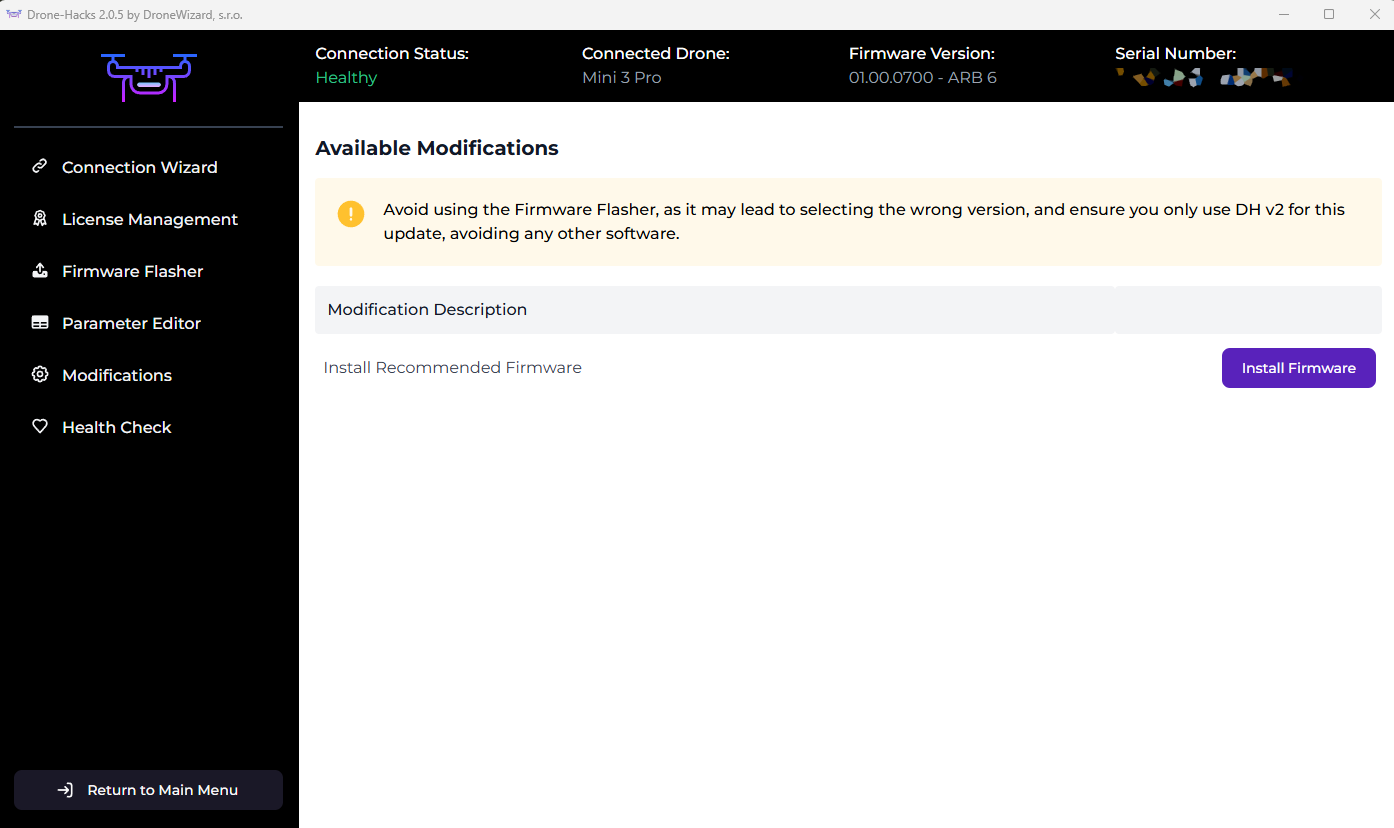
- If you connect your drone to DH V2 and see you're not on the recommended firmware, don't go into firmware flasher, just click Modifications and select "Install Recommended Firmware" as shown in the image below.
- When you've applied the hacks you will notice your firmware version number may change, for example you may have been on 01.00.0900 and now suddenly it is showing as 20.00.0900. Do NOT go to the “Firmware Flasher” tab and reflash stock firmware over the top of your hacks. Drone-Hacks spoof your firmware version so DJI cannot force an update on your drone. Doing this action this will leave you soft locked
¶ I Want to Return to Stock Firmware
If you ever want to return to stock firmware, again, do not just flash stock firmware (see all of the reasons why above). Just go into Modifications and click "Undo All Changes". This will remove all Drone-Hacks custom code and leave you with a standard DJI firmware. From here you can flash whatever standard DJI firmware you wish.