Drone-Hacks 2.0 brings you a much more streamlined and informative firmware flashing tool. This tool allows you to flash firmware directly from the app without needing to download files yourself. You can still of course flash your own firmware files if needed.
¶ Log In
All functions of Drone-Hacks require you to be logged in. Ensure you are logged in to your account. If you need assistance with this, we have a user guide for this linked Here
¶ Drone Connection
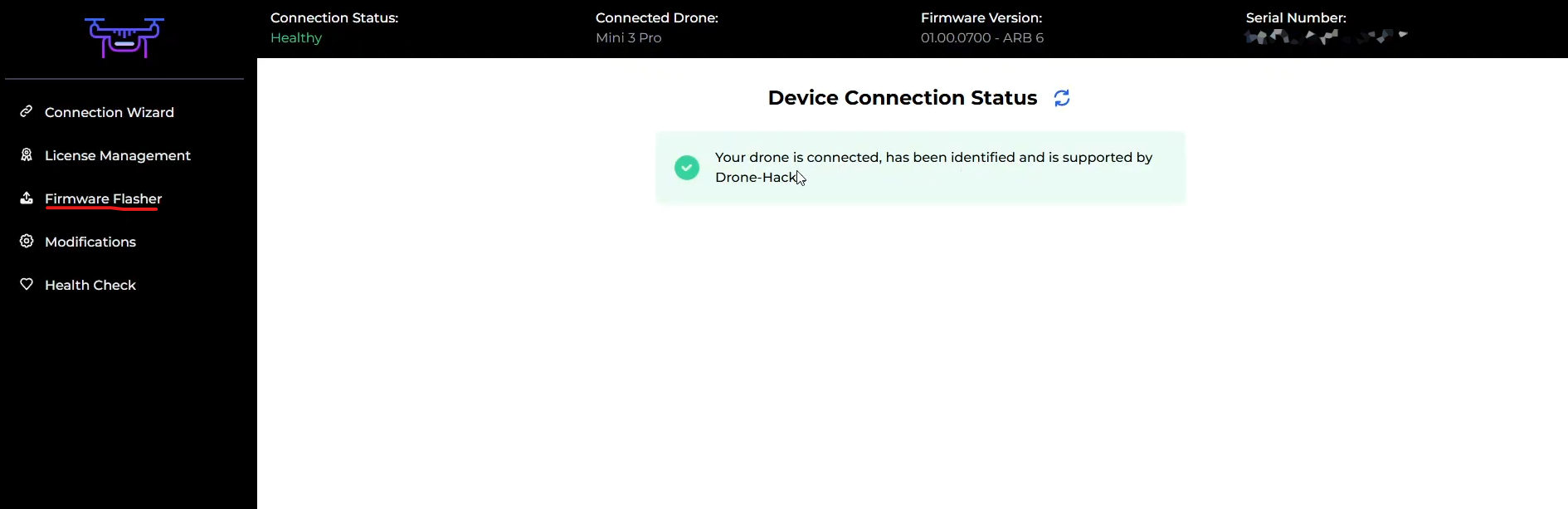
When at the main screen ensure a drone is connected and has been detected by Drone-Hacks. You can see in this example we have a Mini 3 Pro connected so we can continue.

¶ Firmware Flashing
Using the menu on the left, select Firmware Flasher
From here, you will see a nice simple list of all of the firmware Drone-Hacks has on our servers, available for quick, easy automated flashing
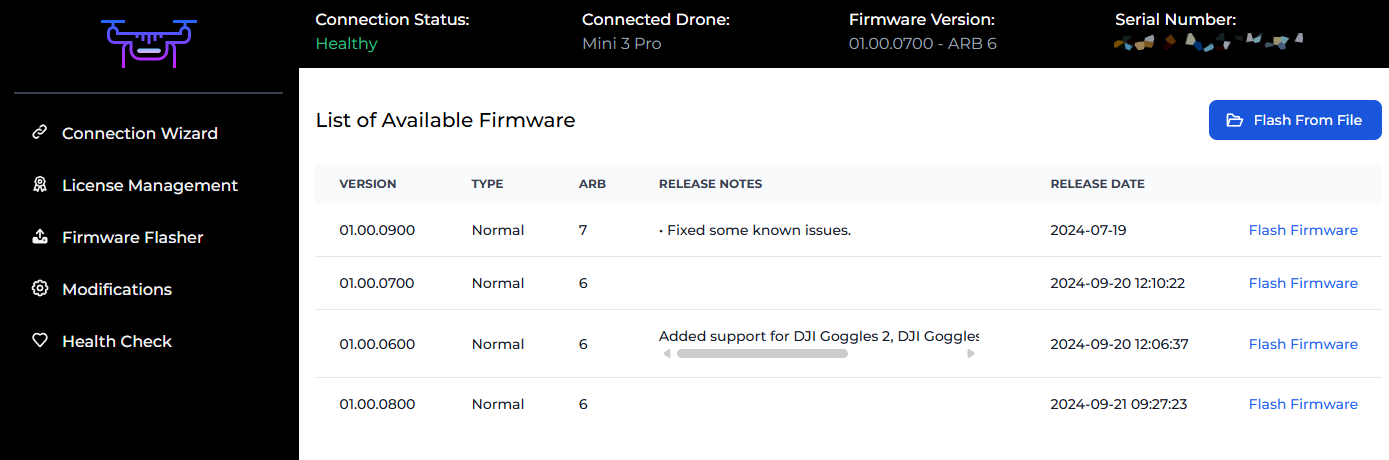
To flash a provided file, simply click the "Flash Firmware" button, this will download the firmware from Drone-Hacks servers to your PC and begin flashing this to your drone automatically.
Alternatively if you have firmware files on your PC and want to use those, you can press the "Flash From File" button and simply browse to your local firmware file.
Regardless of which option you chose, you will then see this screen, the firmware will be downloaded from the Drone-Hacks server to your PC.
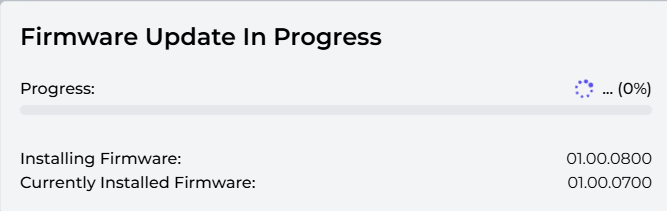
Next, the firmware will be transferred to the drone, ready for flashing

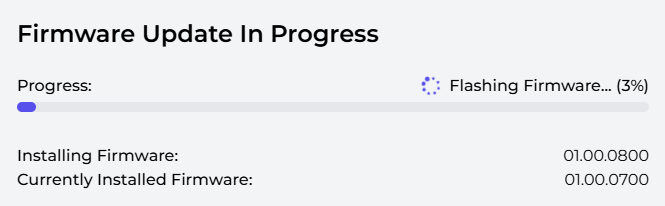
FInally, the firmware transfer is complete and the drone completed the firmware flash. At this stage the drone is in control. Drone-Hacks simply sends the firmware to the drone, after this the drone manages the flashing progress and reports the status back to Drone-Hacks.
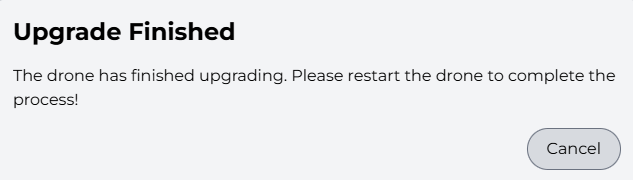
Once you see the message below, manually power off and then back on the drone, then click "Cancel", your new firmware is now fully flashed!