Several drone models require a special driver to be installed before they can be modified and without this driver, your PC will not be able to communicate with the drone for hacking purposes. We have now added a self-check feature into Drone-Hacks which can fully verifiy if your drone is compatible with our software before purchasing a license and also ensures the driver is installed and we can communicate with the drone.
Please follow the steps below to run this check.
¶ Install the Drone-Hacks Recovery Driver
To ensure we can communicate with the drone, we need to install our Recovery Driver. We have a full guide on this linked HERE, so please follow this first.
¶ Log In to Drone-Hacks
Running the check requires you to be logged in to the app, please follow THIS guide on doing that.
¶ Connect Your Drone
Connect your drone to your PC using the included USB cable. After a few moments the drone should be detected and you will see the main page
¶ Perform a Self-Check
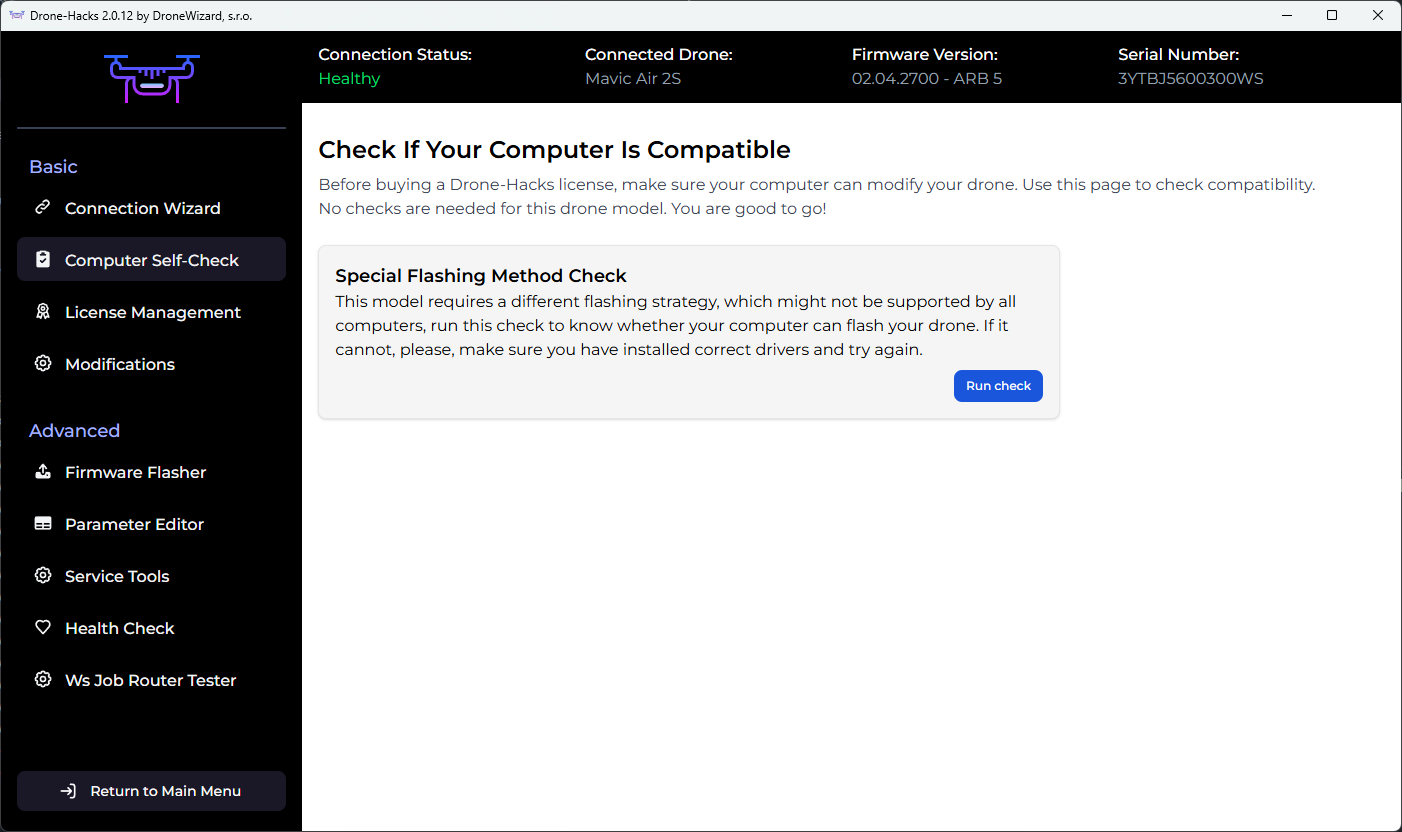
Once connected, click the “Computer Self-Check” option and then ‘Run Check’
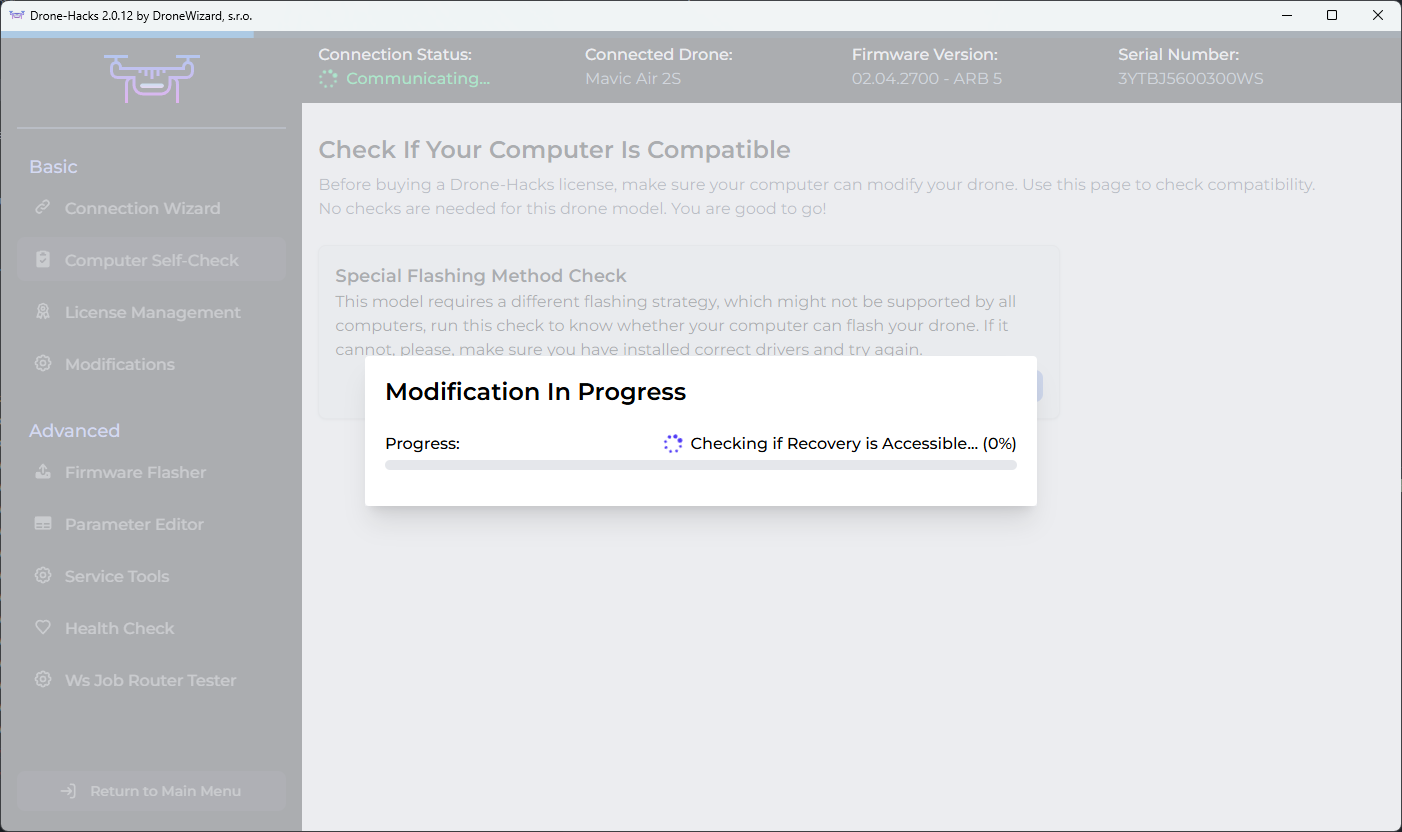
The self-check will then run, please wait for the results
¶ Check Results
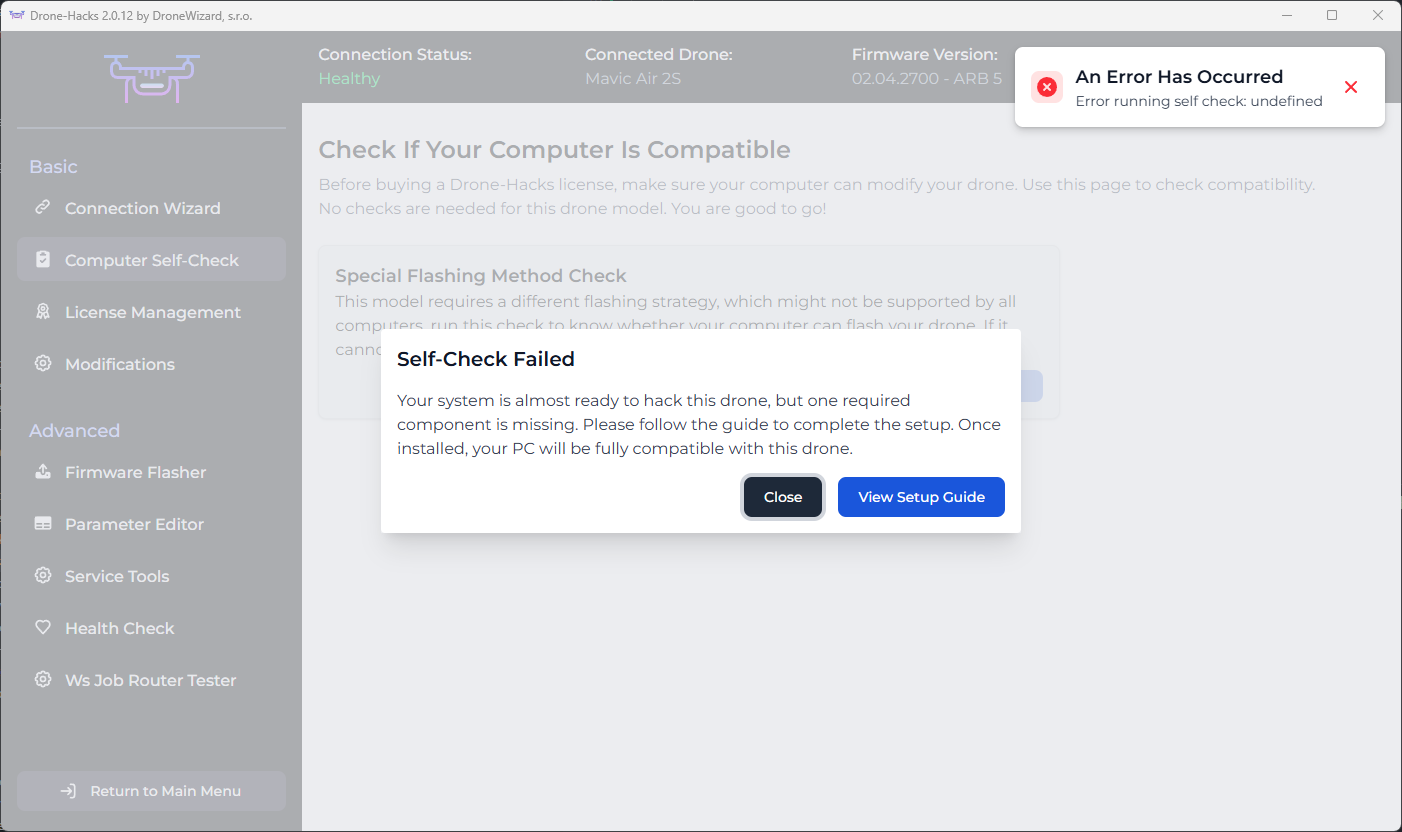
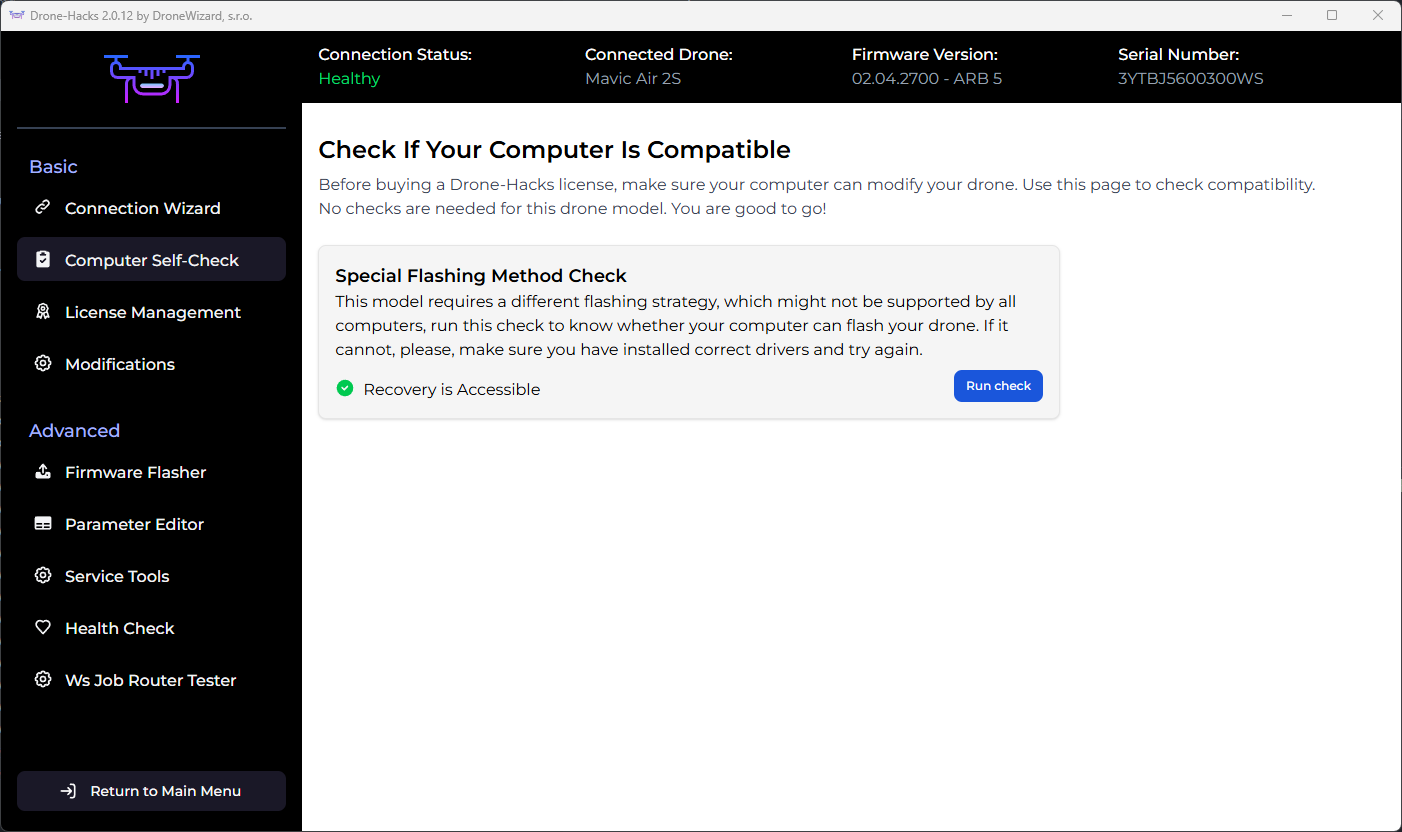
Once the self-check has completed, you will either see a pass or failure message.
A Failure will show the screen below, please try to re-install the driver, check your USB cables are working or try a different USB port as a failure means we cannot communicate correctly with the drone.
If you see a pass message then congratulations! You can now purchase a license, assign it to the drone and apply modifications.
We already have guides associated with this which are linked below
Purchase a Drone-Hacks License & Assign License to your Drone